Web Development

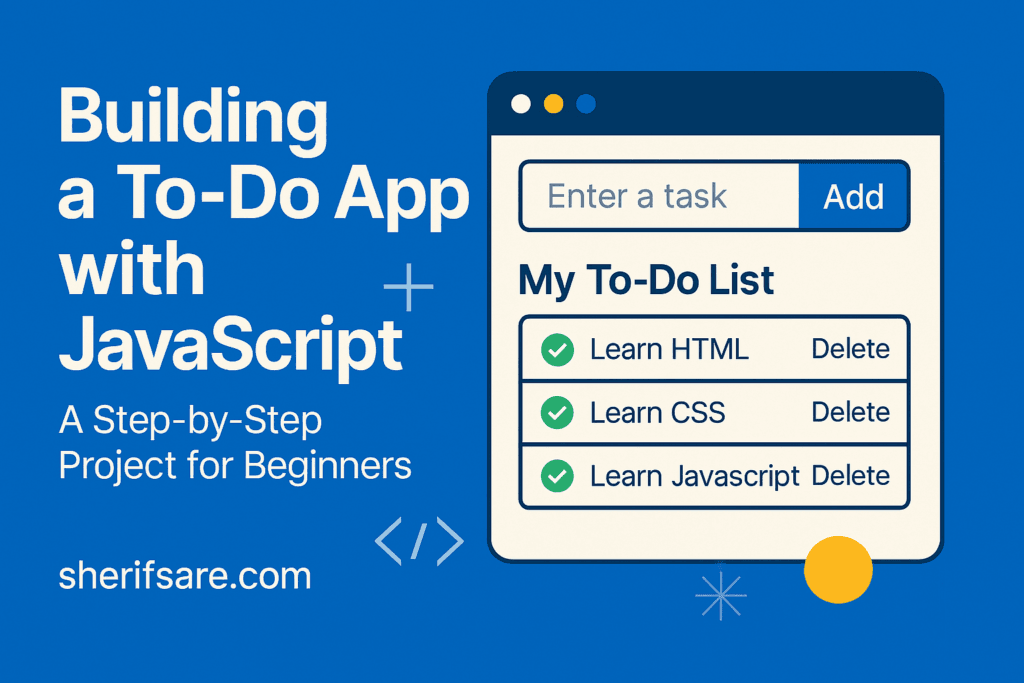
Building a To-Do App with JavaScript: A Step-by-Step Project for Beginners

Building a To-Do App with JavaScript: A Step-by-Step Project

You’ve learned how to manipulate the DOM, handle events, and render dynamic lists. Now let’s apply those skills to building a To-Do App which is fully functional using plain JavaScript. This project will teach you: Step 1: HTML Structure Step 2: Basic CSS Styling Step 3: JavaScript Logic ✅ Initial Setup ➕ Add Task 🗑️ […]

Building a To-Do App with JavaScript: A Step-by-Step Project Read More »
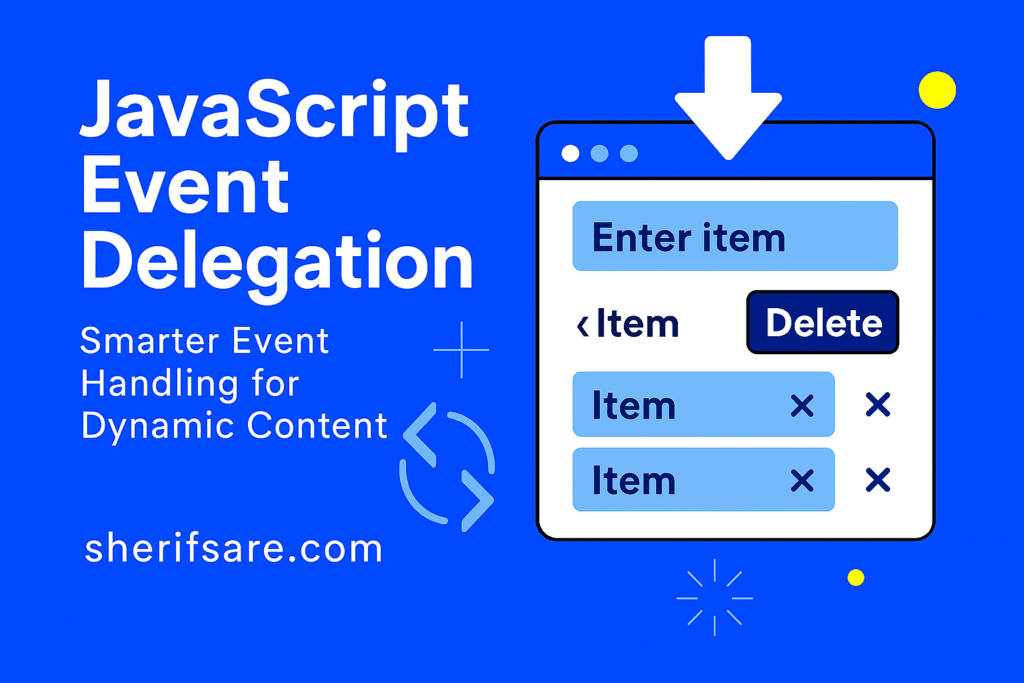
JavaScript Event Delegation

JavaScript Event Delegation: Event Handling for Content

JavaScript Event Delegation As your web apps grow, so do the number of interactive elements (buttons, links, inputs, and more). Attaching individual event listeners to each element can become inefficient and error-prone, especially when elements are added dynamically. Event delegation solves this by letting you handle events at a higher level, even for elements that

JavaScript Event Delegation: Event Handling for Content Read More »

Rendering Dynamic Lists in JavaScript - From Data to Interactive UI

Rendering Dynamic Lists in JavaScript: From Data to Interactive UI

Fetching data is only half the story. The real magic happens when you display that data dynamically on your webpage. Whether it’s a list of products, blog posts, or user comments, JavaScript lets you generate and update content in real time. In this post, we’ll explore: Step 1: Starting with Data Imagine you fetched this

Rendering Dynamic Lists in JavaScript: From Data to Interactive UI Read More »

Mastering Asynchronous JavaScript

Mastering Asynchronous JavaScript: Real-World Data Fetching

Modern websites don’t just sit still, they fetch data, respond to user actions, and update content dynamically. This is all powered by asynchronous JavaScript. In this post, we’ll explore: By the end, you’ll be able to build responsive, real-world apps that talk to servers, load data, and never freeze the browser. What Is Asynchronous Programming?

Mastering Asynchronous JavaScript: Real-World Data Fetching Read More »

JavaScript Arrays and Objects

Mastering JavaScript Arrays and Objects

We’ve learnt how to structure pages (HTML), style them (CSS), make them interactive (JavaScript), talk to the DOM, validate forms, and persist data in the browser. The next cornerstone is data modeling: learning to represent, organize, transform, and move information using JavaScript arrays and objects. These two structures are the backbone of modern web apps,

Mastering JavaScript Arrays and Objects Read More »

SessionStorage

LocalStorage & SessionStorage: Storing Data in the Browser

Ever wondered how websites remember your preferences, keep you logged in, or save your progress, even after you refresh the page? That’s the magic of client-side storage (localStorage & sessionStorage). In this post, we’ll explore: What Is Client-Side Storage? Client-side storage allows you to save data directly in the user’s browser. This means: JavaScript provides

LocalStorage & SessionStorage: Storing Data in the Browser Read More »

forms validation

Working with Forms: Collecting and Validating User Input

Forms are the backbone of user interaction on the web. Whether you’re signing up for a newsletter, submitting feedback, or logging into a site, you’re using a form. In this post, we’ll explore: By the end, you’ll be able to build a form that’s both functional and user-friendly. Step 1: Creating a Basic HTML Form

Working with Forms: Collecting and Validating User Input Read More »

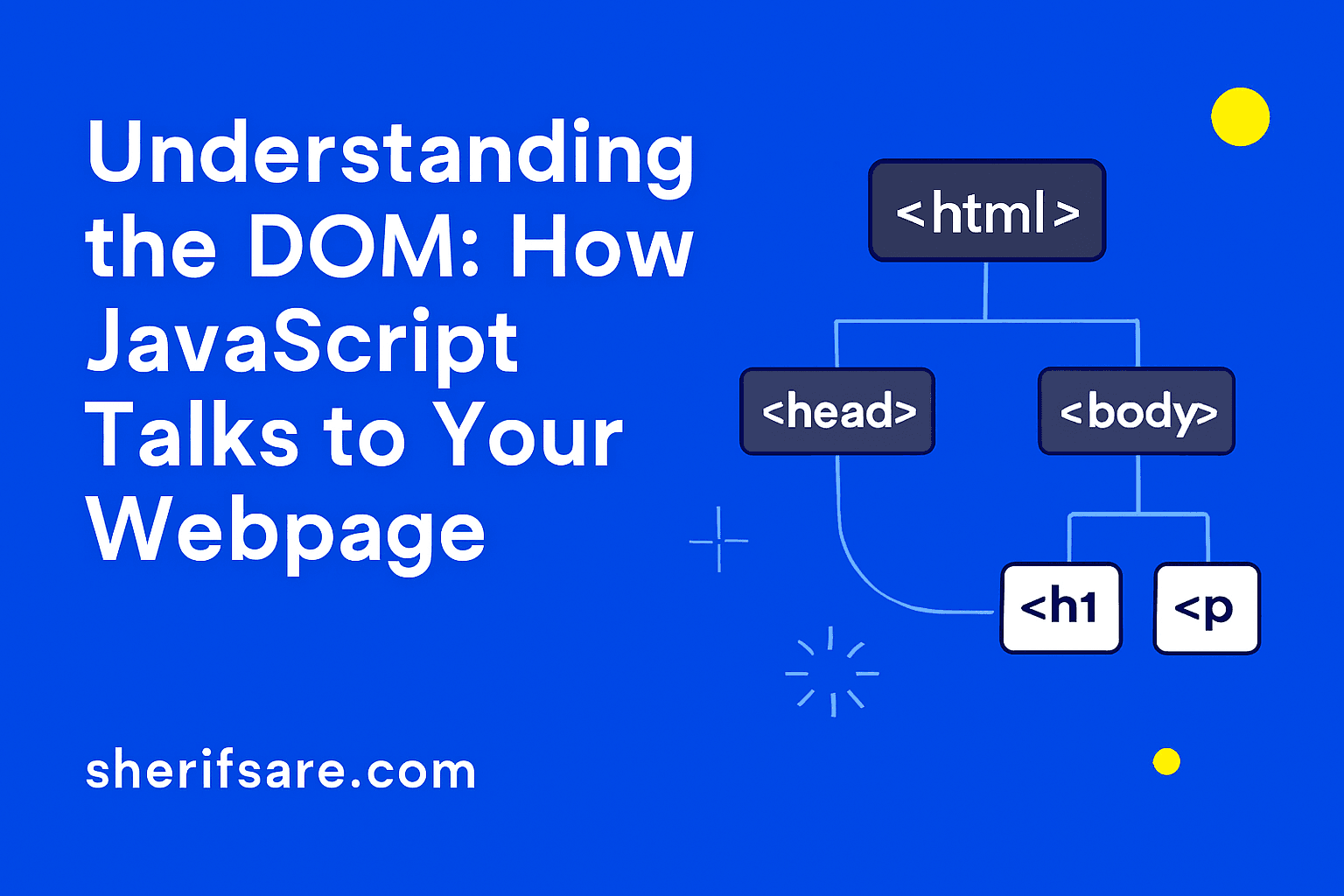
Understanding the DOM

Understanding the DOM: How JavaScript Talks to Your Webpage

JavaScript becomes truly powerful when it interacts with your webpage’s structure. This is done through the DOM — the Document Object Model. It’s how JavaScript “sees” and “talks to” your HTML. In this post, we’ll explore: What Is the DOM? The DOM is a tree-like structure that represents your HTML document. Every tag becomes a

Understanding the DOM: How JavaScript Talks to Your Webpage Read More »

JavaScript essentials

JavaScript Essentials: Making Your Site Interactive

So far, you’ve built a webpage with structure (HTML) and style (CSS). Now it’s time to bring it to life with JavaScript — the language that makes websites dynamic, responsive, and fun to use. From dropdown menus to form validation, JavaScript is what turns a static page into an interactive experience. What Is JavaScript? JavaScript

JavaScript Essentials: Making Your Site Interactive Read More »

Scroll to Top