Every programmer makes mistakes, but great programmers know how to fix them.
Error handling and debugging are the skills that turn fragile code into robust systems. This post teaches how to anticipate problems, catch them gracefully, and debug with confidence.
1. What Is an Error in Programming?
An error is anything that prevents your code from running correctly.
Errors can be:
- Syntax errors — breaking the rules of the language
- Runtime errors — problems that happen while the code is running
- Logical errors — the code runs, but gives the wrong result
Real-Life Analogy
Think of cooking:
- Syntax error: You forget to turn on the stove
- Runtime error: You run out of ingredients mid-recipe
- Logical error: You add salt instead of sugar
2. Common Python Errors
| Error Type | Example | Meaning |
|---|---|---|
SyntaxError | print("Hello" | Missing closing parenthesis |
NameError | print(x) | Variable x not defined |
TypeError | 5 + "hello" | Mixing incompatible types |
IndexError | list[10] | Index out of range |
ValueError | int("abc") | Invalid value for conversion |
ZeroDivisionError | 10 / 0 | Division by zero |
3. How to Handle Errors Gracefully
Use try and except blocks to catch errors and keep your program running.
try:
    result = 10 / 0
except ZeroDivisionError:
    print("You can't divide by zero.")
You can catch multiple errors:
try:
    value = int(input("Enter a number: "))
except ValueError:
    print("That's not a number.")
except KeyboardInterrupt:
    print("Input cancelled.")
4. Using finally and else
finallyruns no matter whatelseruns only if no error occurs
try:
    print("Trying...")
    x = 5 / 1
except:
    print("Error!")
else:
    print("Success!")
finally:
    print("Done.")
5. Raising Your Own Errors
You can create custom errors using raise.
def check_age(age):
    if age < 0:
        raise ValueError("Age cannot be negative")
This helps enforce rules and catch bad data early.
6. Debugging: Finding and Fixing Mistakes
✅ Print Statements
print("Step 1 complete")
print("Value of x:", x)
✅ Use a Debugger
Most IDEs (like VS Code or PyCharm) have built-in debuggers:
- Set breakpoints
- Step through code
- Inspect variables
✅ Rubber Duck Debugging
Explain your code to a rubber duck (or a friend).
Often, you’ll spot the mistake while explaining it.
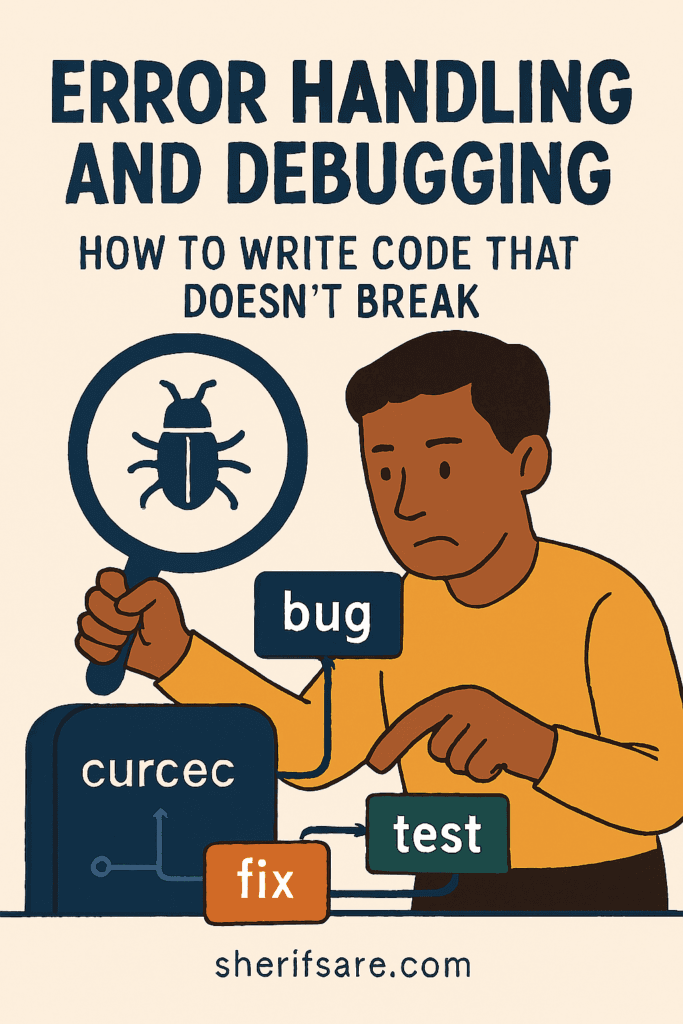
7. Real-World Debugging Workflow
- Reproduce the error — make it happen again
- Read the error message — it tells you what went wrong
- Trace the code — follow the logic step by step
- Isolate the problem — comment out parts to narrow it down
- Fix and test — make changes and verify
8. Logging: Tracking What Happens
Use the logging module to record events:
import logging
logging.basicConfig(level=logging.INFO)
logging.info("Program started")
This helps you track behavior without cluttering the screen.
9. Writing Defensive Code
Anticipate problems before they happen:
def divide(a, b):
    if b == 0:
        return "Cannot divide by zero"
    return a / b
This avoids crashes and improves user experience.
10. Real-World Examples
✅ File Reader with Error Handling
try:
    with open("data.txt") as file:
        content = file.read()
except FileNotFoundError:
    print("File not found.")
✅ API Call with Timeout
import requests

try:
    response = requests.get("https://example.com", timeout=5)
except requests.exceptions.Timeout:
    print("Request timed out.")
11. Exercises for Mastery
- Write a function that catches division by zero
- Create a loop that asks for a number and handles bad input
- Read a file and handle missing file errors
- Raise an error if a password is too short
- Use logging to track a simple program’s flow
12. Best Practices
- Catch specific errors not just
except: - Don’t hide bugs; log or raise them
- Keep error messages clear and helpful
- Use version control to track changes
- Test your code with edge cases
13. Final Thoughts
Error handling and debugging are what separate beginner code from production-ready systems.
They help you write code that survives unexpected inputs, bad data, and real-world complexity, and give you the tools to fix problems fast.