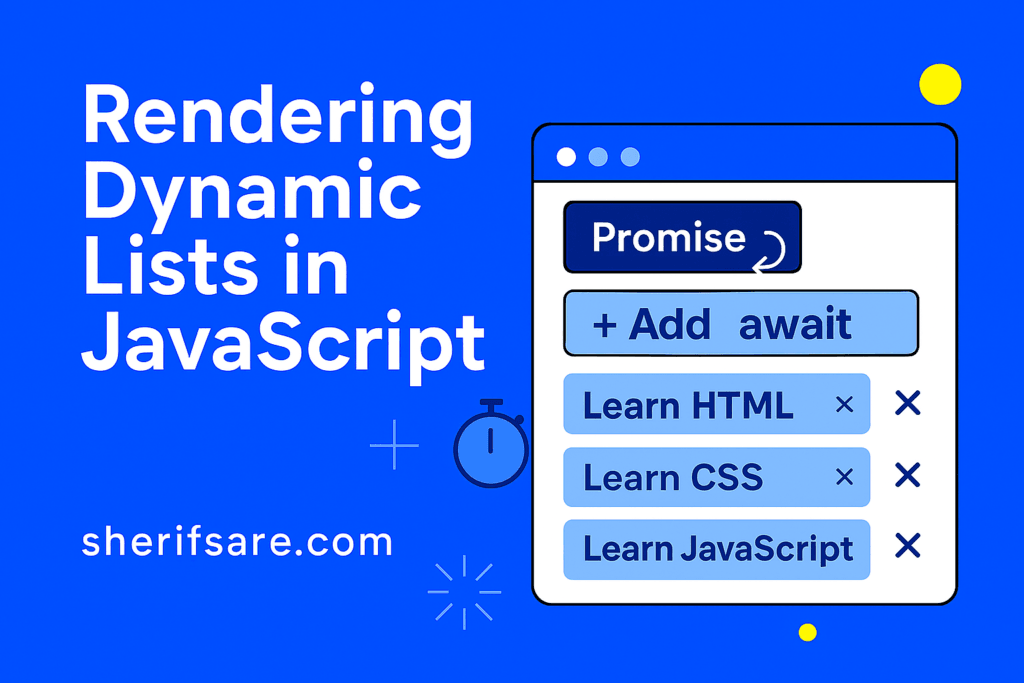
Fetching data is only half the story. The real magic happens when you display that data dynamically on your webpage. Whether it’s a list of products, blog posts, or user comments, JavaScript lets you generate and update content in real time.
In this post, we’ll explore:
- How to loop through arrays of data
- How to create and insert DOM elements dynamically
- How to update lists when data changes
- How to add interactivity (like delete or edit buttons)
- Best practices for performance and readability
Step 1: Starting with Data
Imagine you fetched this array of posts:
const posts = [
  { id: 1, title: "Intro to Web Development" },
  { id: 2, title: "JavaScript Essentials" },
  { id: 3, title: "DOM Manipulation & Events" }
];
Step 2: Rendering a List with JavaScript
<ul id="postList"></ul>
const list = document.getElementById("postList");

posts.forEach(post => {
  const li = document.createElement("li");
  li.innerText = post.title;
  list.appendChild(li);
});
- forEach: Loops through the array
- createElement: Creates new DOM nodes
- appendChild: Adds them to the page
Step 3: Updating the List Dynamically
function addPost(title) {
  const newPost = { id: posts.length + 1, title };
  posts.push(newPost);

  const li = document.createElement("li");
  li.innerText = newPost.title;
  list.appendChild(li);
}

addPost("Forms & Validation");
- Push to array: Keeps data updated
- Append to DOM: Reflects changes instantly
Step 4: Adding Interactivity
posts.forEach(post => {
  const li = document.createElement("li");
  li.innerText = post.title;

  const btn = document.createElement("button");
  btn.innerText = "Delete";
  btn.onclick = () => {
    li.remove();
  };

  li.appendChild(btn);
  list.appendChild(li);
});
- Each list item gets a Delete button
- Clicking removes the item from the DOM
Step 5: Try It Yourself
Build a dynamic to-do list app:
- Input field for new tasks
- Button to add tasks
- List that displays tasks
- Delete button for each task
Bonus: Save tasks in localStorage so they persist after refresh.
Best Practices
- Separate data and UI logic: Keep arrays as the source of truth.
- Use clear naming:
tasks,posts,products— plural for arrays. - Avoid innerHTML for lists: Safer to use
createElementto prevent injection. - Batch updates: For large lists, use
DocumentFragmentor frameworks like React for efficiency.
Final Thoughts
Dynamic lists are everywhere. Menus, feeds, product catalogs, notifications. Mastering them means you can turn raw data into polished, interactive experiences.
In the next post, we’ll explore JavaScript Event Delegation — a smarter way to handle events on dynamic content.