
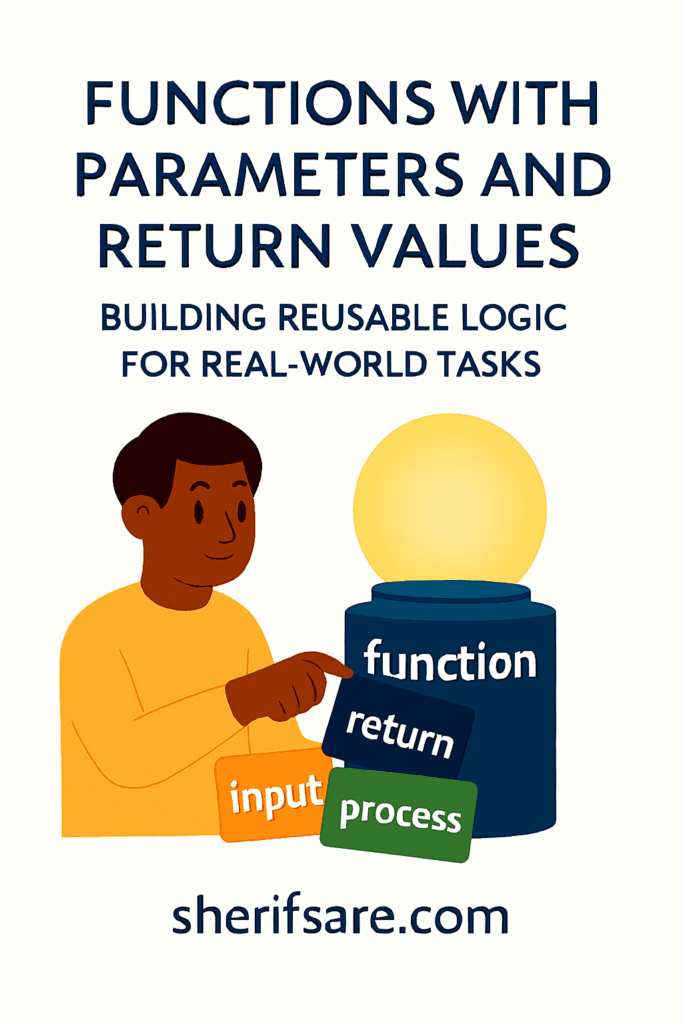
Functions are more than shortcuts. They’re the foundation of modular, scalable code. When you add parameters and return values, your functions become flexible tools that adapt to different inputs and deliver useful results.
1. Why Parameters and Return Values Matter
- Parameters let you customize behavior
- Return values let you reuse results
- Together, they turn static code into dynamic logic
Real-Life Analogy
Think of a blender:
- You choose ingredients (parameters)
- You press blend (function call)
- You get a smoothie (return value)
2. Defining Functions with Parameters
python
def greet(name):
    print(f"Hello, {name}!")
You can now greet anyone:
python
greet("Sherif")
greet("Amina")
Multiple Parameters
python
def add(a, b):
    print(a + b)
Call it with different numbers:
python
add(3, 5)
add(10, 20)
3. Returning Values from Functions
python
def multiply(a, b):
    return a * b

result = multiply(4, 6)
print(result)  # Output: 24
You can store, reuse, or pass the result to other functions.
4. Function Anatomy Recap
python
def function_name(parameters):
    # logic
    return result
def— defines the functionfunction_name— what you call itparameters— input valuesreturn— output value
5. Real-World Examples
Calculate Area of a Rectangle
python
def area(length, width):
    return length * width
Convert Celsius to Fahrenheit
python
def c_to_f(celsius):
    return (celsius * 9/5) + 32
Check if a Number Is Prime
python
def is_prime(n):
    if n < 2:
        return False
    for i in range(2, int(n**0.5)+1):
        if n % i == 0:
            return False
    return True
6. Default Parameters
You can set default values:
python
def greet(name="Guest"):
    print(f"Hello, {name}!")
Call it with or without a name:
python
greet("Sherif")
greet()
7. Keyword Arguments
Specify parameters by name:
python
def introduce(name, age):
    print(f"{name} is {age} years old.")

introduce(age=28, name="Sherif")
8. Return vs. Print
print()shows output on screenreturnsends output back to the caller
python
def square(n):
    return n * n

print(square(5))  # Output: 25
9. Using Returned Values in Other Functions
python
def double(n):
    return n * 2

def triple(n):
    return n * 3

def combine(x):
    return double(x) + triple(x)

print(combine(4))  # Output: 20
10. Functions That Return Multiple Values
python
def stats(numbers):
    return min(numbers), max(numbers), sum(numbers)

low, high, total = stats([3, 7, 2, 9])
print(low, high, total)
11. Real-World Projects Using Functions
- Budget calculator: Input expenses, return total
- Quiz app: Input answers, return score
- Weather converter: Input Celsius, return Fahrenheit
- Login system: Input credentials, return access status
- Inventory tracker: Input item, return availability
12. Common Mistakes
- Forgetting to use
return - Mixing up
print()andreturn - Not passing required parameters
- Using global variables instead of parameters
- Returning inside a loop without a base case
13. Exercises for Mastery
- Write a function that returns the square of a number
- Write a function that returns the longest word in a sentence
- Write a function that returns the average of a list
- Write a function that returns True if a string is a palindrome
- Write a function that returns the factorial of a number
14. Best Practices
- Use descriptive names (
calculate_tax, notct) - Keep functions short and focused
- Use comments or docstrings
- Avoid side effects (changing global state)
- Test with different inputs
15. Final Thoughts
Functions with parameters and return values are the building blocks of real-world programming. They let you write clean, reusable, testable code, and build systems that adapt to different inputs and deliver meaningful results.