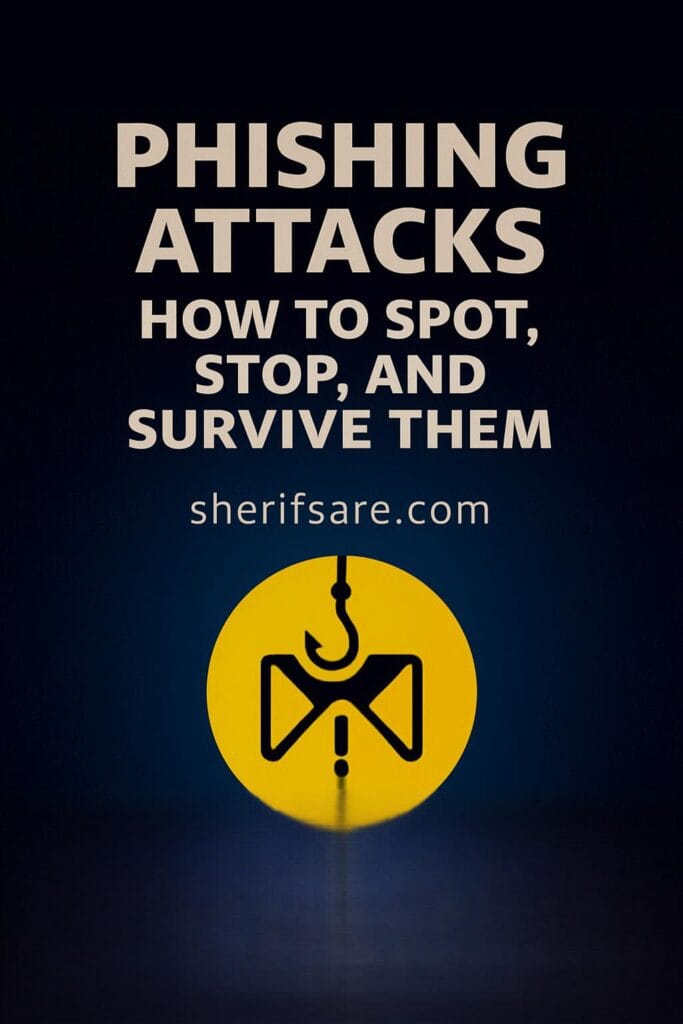
Phishing attacks remains one of the most effective and widespread cyberattack methods in 2025. This post offers a deep dive into how phishing works, the psychology behind it, the latest tactics used by attackers, and how individuals and businesses can defend themselves. From email scams to voice phishing (vishing) and SMS phishing (smishing), this guide equips you with the knowledge and tools to stay safe.
Table of Contents
- Introduction: Why Phishing Still Works
- Anatomy of a Phishing Attack
- Types of Phishing: Email, SMS, Voice, and More
- Real-World Examples and Case Studies
- Psychological Tricks Used by Attackers
- How to Spot a Phishing Attempt
- What to Do If You Clicked a Phishing Link
- Tools to Prevent Phishing
- Training and Awareness for Teams
- Legal and Regulatory Implications
- Building a Phishing Response Plan
- Final Thoughts: Vigilance Is Your Best Defense
1. Introduction: Why Phishing Still Works
Despite advances in cybersecurity, phishing continues to thrive. Why? Because it targets the human element. Attackers exploit trust, urgency, and curiosity to trick users into revealing sensitive information or clicking malicious links.
In 2025, phishing has evolved to include AI-generated messages, deepfake voice calls, and hyper-personalized scams. Understanding how phishing works is the first step to stopping it.
2. Anatomy of a Phishing Attack
A typical phishing attack includes:
- Bait: A message that appears to come from a trusted source (e.g., bank, employer, friend)
- Hook: A link, attachment, or request that leads to a malicious action
- Catch: The attacker gains access to credentials, installs malware, or steals data
Phishing can be manual or automated, and often uses spoofed domains, fake login pages, or malware-laced documents.
3. Types of Phishing: Email, SMS, Voice, and More
| Type | Description | Common Targets |
|---|---|---|
| Fake emails with links or attachments | Employees, customers, students | |
| Smishing | SMS messages with malicious links | Mobile users, banking clients |
| Vishing | Voice calls pretending to be support or officials | Elderly, remote workers |
| Spear Phishing | Targeted attacks using personal info | Executives, HR, finance departments |
| Clone Phishing | Replicates a legitimate email with a malicious twist | Existing email threads |
| Pharming | Redirects users to fake websites via DNS tricks | Online shoppers, login portals |
4. Real-World Examples and Case Studies
- 2025 Banking Scam: Attackers sent SMS messages pretending to be from Ecobank, asking users to verify transactions. The link led to a fake login page that harvested credentials.
- University Email Breach: A phishing email impersonated IT support, asking students to reset passwords. Over 300 accounts were compromised.
- WhatsApp Verification Scam: Users received messages claiming their account was suspended. Clicking the link installed spyware.
Lesson: Phishing is not just about email anymore; it’s everywhere.
5. Psychological Tricks Used by Attackers
Phishing relies on emotional manipulation. Common tactics include:
- Urgency: “Your account will be locked in 24 hours!”
- Fear: “Suspicious login detected. Verify now.”
- Greed: “You’ve won a prize! Claim it here.”
- Curiosity: “See who viewed your profile.”
- Authority: “This is HR. Please complete this form.”
Attackers often mimic tone, branding, and formatting to appear legitimate.
6. How to Spot a Phishing Attempt
Red flags include:
- Misspelled domain names (e.g., “micros0ft.com”)
- Generic greetings (“Dear user”)
- Unexpected attachments or links
- Requests for sensitive info via email or SMS
- Poor grammar or formatting
- URLs that don’t match the sender’s domain
Tip: Hover over links before clicking. Use preview features to inspect attachments.
7. What to Do If You Clicked a Phishing Link
If you suspect you’ve fallen for a phishing scam:
- Change passwords immediately
- Enable MFA on affected accounts
- Notify your IT team or service provider
- Report the phishing attempt to authorities or platforms
- Disconnect from the internet
- Run antivirus and anti-malware scans
Acting quickly can limit the damage.
8. Tools to Prevent Phishing
| Tool Type | Recommended Options |
|---|---|
| Email Filters | Gmail, Outlook, ProtonMail |
| Anti-Phishing Plugins | Netcraft Extension, PhishTank, uBlock Origin |
| DNS Protection | Cloudflare Gateway, Cisco Umbrella |
| Endpoint Security | Bitdefender, Norton, Malwarebytes |
| Password Managers | Bitwarden, 1Password, Dashlane |
| MFA Apps | Authy, Google Authenticator |
Tip: Use SPF, DKIM, and DMARC records to protect your domain from spoofing.
9. Training and Awareness for Teams
Phishing prevention starts with education. For organizations:
- Run simulated phishing campaigns to test awareness
- Offer interactive training modules (e.g., KnowBe4, Infosec IQ)
- Create reporting channels for suspicious messages
- Reward employees for spotting phishing attempts
Culture matters. Make cybersecurity part of daily conversation.
10. Legal and Regulatory Implications
Phishing can lead to:
- Data breaches under GDPR, HIPAA, or Ghana’s Data Protection Act
- Financial losses and insurance claims
- Reputation damage and customer trust erosion
Organizations must document incidents, notify affected parties, and comply with breach reporting laws.
11. Building a Phishing Response Plan
Every business and household should have a plan:
- Detection: Use filters and monitoring tools
- Response: Know who to contact and what steps to take
- Recovery: Restore data, reset credentials, notify stakeholders
- Review: Analyze the breach and improve defenses
Tip: Keep emergency contacts and recovery steps printed and accessible.
12. Final Thoughts: Vigilance Is Your Best Defence
Phishing is not going away; it’s evolving. But with awareness, tools, and habits, you can protect yourself and your organization.
Stay skeptical. Stay secure. Share this guide with someone who needs it.